
How to Use AI Tools for Music
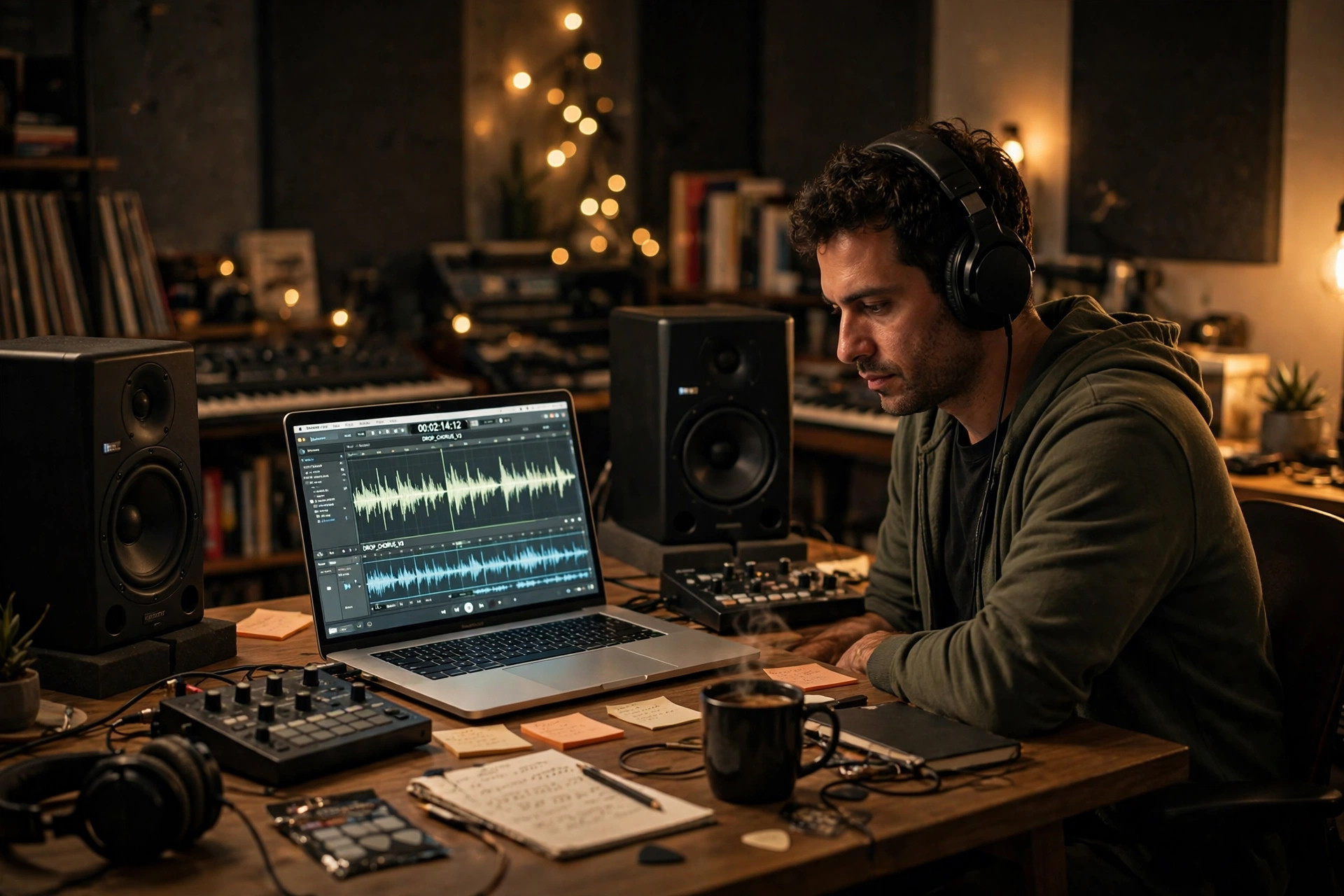
Music used to be the part of a project you either paid a musician for or did without. A video needed a soundtrack, a podcast needed an intro, a game needed a theme — and if you could not play an instrument, you used the same handful of stock tracks everyone else used, or you left the silence in. AI music tools have changed that bargain completely: type a description and get a finished song with vocals, or a background track shaped to the exact length of your edit, in under a minute. The tools are genuinely powerful, and genuinely easy to misuse: they can give a small creator a soundtrack that sounds like a studio made it, and they can also hand you a song with gibberish lyrics, a melody that wanders nowhere, or a track you are not legally allowed to use — all delivered with the same confident polish. This guide shows how to use AI tools for music properly: which kind of tool fits which job, how to write a prompt that sounds like music instead of a shopping list, how to generate in batches and curate like a producer, and how to check the rights before you publish.
What AI music tools actually do — and what they do not
There are three different kinds of tool hiding under the label "AI music", and most disappointment comes from using the wrong kind for the job. Song generators, such as Suno and Udio, make finished songs — vocals, lyrics, melody and instruments — from a text prompt. They are best when you want a song: a track with a singer, a chorus, a structure you can listen to on its own. Background-music generators, such as Soundraw, Mubert and Beatoven.ai, make instrumental beds matched to a mood, a genre and a length — music designed to sit under something else, a voiceover, a video, a game. They are best when the music is not the star. And composers, such as Aiva, write scored, structured pieces in the style of a chosen genre or era — closer to hiring a composer than to pressing a button. On top of those, release tools such as Boomy help you put finished tracks onto streaming services. Our guide on how to use AI video generators covers the video side of this world; this guide focuses on the music itself.
None of these tools understands your project the way you do. They match patterns — a genre sounds like this, a sad song moves like that — they do not know what your video is about, what your podcast sounds like, or what your audience expects to hear. A song generator will happily write lyrics that rhyme and mean nothing. A background-music generator will give you a pleasant track in exactly the wrong energy for the scene it sits under. And no tool knows the rights position of what it just made: whether you may use it commercially, whether a platform will flag it, whether the melody resembles something that already exists. The rule that runs through this whole guide is simple: the AI makes the first draft, you make the final decision. Your judgement — what the music is for, whether it fits, whether the words are right — is the part of music-making that cannot be outsourced.
Step 1: Decide what the music is for before you open a generator
Most people open a music generator, type "make a cool song", and get something cool that fits nothing. The tool is not the problem; the brief is. Before you generate anything, answer three questions in one short paragraph each. First, what is the music for: a song people will listen to on its own, a background bed under a voiceover, an intro sting for a podcast, a theme for a game level. A song and a bed are different products, and the tool you need follows from the answer. Second, where will it be heard: a phone speaker in a noisy street, headphones, a cinema, a livestream. Music that sounds rich on studio monitors can sound muddy on a phone, and a vocal that charms on headphones can fight a voiceover for the same frequencies. Third, how long should it be and what shape should it have: a 15-second intro needs a hook in the first two seconds, a three-minute song needs a verse and a chorus, a ten-minute background bed needs variation or it becomes wallpaper. A clear answer changes every decision after it, because the tool you pick, the prompt you write and the version you keep all follow from the job — and an AI that does not know the job will give you a bit of everything and none of it well.
Then decide how much control you actually need. If the music must fit an edit exactly — a video cut to the beat, a podcast intro that ends on a word — you need a tool that lets you set the length and reshape the track afterwards, such as Soundraw, which lets you change the mood, genre, instruments and length after generation. If the music just needs to exist and sound good, a song generator such as Suno is faster. If the music must be original in the legal sense — a score for a commercial project, a theme you will register — you need to read the rights terms first, not after you have fallen in love with a track. Pick the job first, then the tool.
Step 2: Pick the right tool for the job
Start free. Most of the tools below have a free plan or free credits, and a week of free use on your real projects teaches you more than any comparison article. Prices change often, so always check the official pricing page before paying. Prices here were checked in November 2026.
If you want a finished song with vocals, start with Suno. It is the default song generator: type a prompt, get a complete song with a singer, lyrics and instruments, in styles from pop to metal to lo-fi. The free plan costs $0 and gives 50 credits a day — about 10 songs — for personal use only, with no commercial rights and a small lifetime download allowance. Paid plans start at $10 a month ($8 billed yearly) for Pro, with 2,500 credits a month, 20 downloads and commercial rights, and $30 a month ($24 billed yearly) for Premier, with 10,000 credits, 60 downloads, the Suno Studio browser DAW, and Voices and Custom Models for producers who want their own sound. Its v6 models arrived in September 2026 alongside licensing deals with major music companies. Udio is the closest alternative for songs, with paid plans from around $10 a month — but check whether its downloads are enabled before you pay, because they have been switched off before after label disputes.
If you want background music for a video or a podcast, use a background generator, not a song generator. Soundraw builds instrumental tracks matched to mood, genre and length, and lets you reshape them afterwards — change the energy in the middle, stretch the track to fit the cut, swap the instruments — which is exactly what an edit needs. It has no free plan, only a preview, and its Creator plan costs $16.99 a month (with a discounted annual rate around $11 a month), with unlimited MP3 downloads and royalty-free use; a higher Artist plan at about $49.99 a month covers broader rights including distribution. Its models are trained only on music produced in-house, which is part of why the rights position is cleaner. Mubert does a similar job with a different emphasis — endless generative streams for apps, games and livestreams — with paid plans from around $14 a month, and Beatoven.ai makes mood-matched beds for video creators, also with a free plan to try first. Between the three, Soundraw suits editors who need a track shaped to a cut, Mubert suits apps and streams that need music that never ends, and Beatoven suits creators who want the quickest route from a mood to a finished bed.
For composed scores and release, the specialists earn their keep. Aiva writes structured, scored pieces — classical, cinematic, ambient — in the style of a chosen genre or era, which makes it a good fit for film, games and anything that needs a theme rather than a loop. It has a free plan, but full copyright ownership comes only with a paid plan, so read the terms before you score a commercial project. And when a track is finished and you want it on streaming services, Boomy generates the song and helps you release it — the one tool in this group built for the journey from prompt to Spotify, not just from prompt to file. Most creators end up with two tools: one song generator for tracks with vocals, and one background generator for beds — because no single tool does both jobs well.
Step 3: Write a prompt that sounds like music
A music prompt is not a shopping list. "Upbeat pop song" will get you an upbeat pop song, and it will sound like every other upbeat pop song the model has ever made. The prompts that work name the things a musician would actually decide: the genre and the era, the mood and the energy, the tempo, the instruments, the vocal style, and the structure. "A slow 90 BPM indie-folk song, acoustic guitar and soft piano, a warm male voice, verse-chorus-verse, about a lighthouse keeper who never leaves" will beat "a nice folk song" every time — because every word in it is a decision the model can act on. Our guide on how to write better prompts for AI tools applies here too: a specific instruction with a real example beats a vague one every time.
Write the lyrics yourself when the words matter. A song generator will write lyrics for you, and they will rhyme, scan, and say nothing — the verbal equivalent of stock footage. If the song is about something real — your product, your story, your joke — write the words, or at least the hook and the first verse, and paste them in. The model will set them to music far better than it will invent them. And name what you do not want: "no drums in the verse", "no autotune", "no choir" — a negative instruction is often the difference between a track that fits and a track that fights your edit. For background music, the prompt is simpler but the decisions are the same: name the mood, the energy curve (does it build, or stay flat?), the instruments to avoid, and the exact length. A bed that is 30 seconds too long is a bed you will have to cut, and a cut in the wrong place is audible.
Then test the prompt the way a producer tests a demo: generate the same brief three times with small changes — one faster, one with different instruments, one with a different vocal style — and listen to all three before you keep any of them. The first generation is a sketch, not a master. The differences between the three versions teach you what the model does with your words, and the second round of prompts will be twice as good as the first. Keep a note of the prompts that worked, with the exact wording, because a prompt that made a great track is worth more than the track itself — it is the recipe you will reuse next month.
Step 4: Generate in batches, then curate like a producer
Run the generation pass first and treat its output as a set of demos, not a finished record. Generate five to ten versions of the same brief — different takes, different energies — and then listen to every one of them, all the way through, before you keep any. The AI will give you one track that is technically perfect and completely forgettable, and one track with a flaw in the middle and a chorus you cannot stop humming. The chorus is the track. A producer's job is not to generate more; it is to recognise the one good take among the many and throw the rest away without mercy.
After the batch, do the human pass, and do it in order. First, listen to the whole track once without touching anything, and write down every moment that feels wrong: a lyric that makes no sense, a vocal that mispronounces a name, a melody that wanders off, a section that drags. Fix those before you add anything new, because a polished track with a broken lyric is still a broken track. Second, check the beginning and the end, which is where most listeners decide whether to stay. The first three seconds should sound like the thing the track is about — not a slow fade-in, not a generic intro. The last five seconds should end on the point, not trail off into a loop. Third, test the track where it will actually be heard: on a phone speaker, in a car, under a voiceover, at low volume in a noisy room. A track that only sounds good on headphones is a track that only sounds good to you. If a lyric is wrong, do not just ask the AI to try again — rewrite it yourself, with the correct words, and paste it back in. Some fixes are genuinely faster by hand, and recognising them is a skill, not a defeat.
Step 5: Edit, mix and master the result
A generated track is a recording, not a finished product, and the finishing steps are what make it sound professional. Start with the structure: most generators let you extend a track, regenerate a section, or create variations on a part you like. Use that to fix the shape before you touch the sound — a chorus that arrives too late, a bridge that goes nowhere, an ending that fades when it should stop. Then work on the mix. If the tool gives you stems — separate vocal, drums, bass and instrument tracks, as Suno does on its Premier plan — use them: lower the vocal slightly under a voiceover, bring the drums up for a video cut, mute the bass where it fights the narration. If the tool does not give you stems, treat the track as one finished recording and adjust it as a whole: a little EQ to clear the mud, a little compression to even out the loud and quiet parts, and nothing else until you have listened to the result.
Then master for the destination, which is the part most people skip. Level the volume so the track is as loud as the other music your audience hears — Auphonic does this automatically for podcasts and spoken-word audio — and remove hum, hiss and clicks before you add anything on top, not after, because effects hide problems instead of fixing them. If the track sits under a voice, use a voice tool such as ElevenLabs for the narration and keep the music low underneath it; the voice is the star, and the music is the room it stands in. And check the finished audio on a phone speaker, not just on headphones: most of your audience will hear it through a phone, and a mix that sounds rich on headphones can sound muddy or harsh on a small speaker. Finally, keep one sonic rule for the whole project: the same loudness, the same style, the same treatment, from the first second to the last. Consistency is what makes audio sound professional, and it costs nothing — it is just the decision to use the same settings every time.
Step 6: Know the rights before you publish
This is the step that separates a hobby from a problem. AI-generated music sits in a legal grey area that is still being argued about in 2026, and the rules are different for every tool, every plan and every platform. The first rule is the simplest: the free plan almost never includes commercial use. Suno's free plan is personal use only, with no commercial rights; commercial rights start on Pro at $8 a month billed annually. Soundraw's paid plans include royalty-free use, and its models are trained only on in-house music, which is why its rights position is cleaner than most. Aiva grants full copyright ownership only on a paid plan. Read the terms of the tool you actually used, on the plan you actually paid for, before you publish — not the marketing page, the licence terms.
The second rule is that platforms have their own rules, and they change. Streaming services, video platforms and social networks each decide what they accept, and several now label AI-generated audio or require it to be identified. A track that is fine on one platform can be flagged on another, and a track that was fine last year can be flagged this year — Udio's downloads have been switched off before after disputes with music labels, which is a reminder that the ground moves. Check the platform's current rules before you post, and when in doubt, say so: honesty about AI use costs nothing and buys trust. The third rule is the oldest one in music: if a generated melody sounds exactly like a song you know, it probably is too close to that song, and no licence from the generator will protect you from the original owner. Trust your ear. If it sounds familiar, generate another one.
Common pitfalls, honestly stated
The most common mistake is publishing the AI's first generation without listening to it. It sounds finished because it is mixed, structured and in tune, but formatting is not judgement — the tool's default settings flatter weak material, and a track that is technically clean can still be boring, misleading or out of key with your project. The second mistake is trusting the lyrics. AI lyrics rhyme and scan, but they also invent facts, mispronounce names and drift into nonsense in the second verse, and a wrong lyric in a song about your product is a factual error your audience will notice. Read every word. The third pitfall is the vocal trap. AI voices are good now — good enough that a listener will not immediately know — and that is exactly the problem: a voice that sounds almost human, singing words that are almost meaningful, creates a track that is almost good, and "almost" is what makes people skip. If the vocal is the point, it needs a human listen, a human lyric, and usually a human decision about whether to keep it at all.
The fourth pitfall is loop fatigue. Background generators make tracks that repeat, and a track that repeats for ten minutes becomes wallpaper — then it becomes annoying. Vary the energy, change the section, or cut the track shorter than you think it needs to be. The fifth is the credit trap. Most AI music tools charge by the credit, the minute or the song, and a month of daily generation can burn through a month's allowance in two weeks: Suno charges per generation, Soundraw sells unlimited downloads but only on a paid plan, and the free tiers are deliberately small. Start free, track what a real week costs, and pay only when a limit actually slows you down. Finally, remember the generic trap. The defaults — the same chord progressions, the same drum patterns, the same vocal style — are the same for everyone, and listeners learn to recognise them. The fix is the same as with any tool: keep one consistent sound that is yours, add the details only you would know, and cut at least one thing the AI suggested that you disagree with. The music is where the voice comes from, not the generation.
Frequently asked questions
What is the best AI tool for music? There is no single best one; it depends on what you make most. Suno is the strongest choice for finished songs with vocals, because it makes complete tracks with a singer and lyrics on a free plan. Soundraw is the best fit if you need background music for videos, because you can reshape the track to fit the edit and the rights are royalty-free. Aiva is the best fit if you need a composed score. Start with the free plans of two of them and let a week of real projects decide.
Are AI music tools free? You can start free on several of them. Suno has a free plan with 50 credits a day, Aiva and Beatoven.ai have free plans, and Mubert has a free tier. The limits are real, though: free songs usually cannot be used commercially, free credits do not renew in some tools, and downloads are often capped or absent on free plans. Always check the official pricing page before paying, because plans and allowances change often.
Can I use AI-generated music commercially? Usually only on a paid plan, and the details matter. Suno grants commercial rights from Pro, Soundraw's paid plans include royalty-free use, and Aiva grants full copyright ownership only on a paid plan. Free plans are almost always personal use only. Read the licence terms of the tool and the plan you actually use, and check the platform's rules too — a track that is fine on one platform can be flagged on another.
Can I release AI-generated music on Spotify? Yes, with the right plan and the right tool — Boomy is built for exactly that journey, from generation to streaming release. But you need commercial rights first, which means a paid plan, and you should expect streaming services to ask questions about AI-generated tracks. Keep your receipts: the tool, the plan, the date, and the licence terms as they stood when you generated the track.
Will AI music sound generic? Only if you publish the default output. The defaults — the same chord progressions, the same drum patterns, the same vocal style — are the same for everyone, and listeners learn to recognise them. The fix is the same as with any tool: write your own lyrics, pick unusual instruments, change the tempo, and cut at least one thing the AI suggested that you disagree with. The taste is where the voice comes from, not the generation.
How long does making music with AI take compared with hiring a musician? The generation itself is fast — a song in under a minute, a background bed in seconds — but the human pass is where the time still goes. A good track might take an hour of prompting, listening, curating and mixing, against days or weeks of working with a musician. The saving is real, but it is a saving of the production half of the job, not the whole job: listening, judging and fixing still take as long as they always did, and a musician brings taste and originality that no prompt can buy.
Start with one project you already have and one tool that fits it — a song in Suno, a background bed in Soundraw, a score in Aiva — and let the AI make the first draft. Listen to the whole thing, fix the lyrics by hand, keep the chorus that works, and check the rights before you publish. Then do it again next week, and the week after, with the same taste and the same checks. Do that for a month and the tools stop being a novelty and start being what they are best at: a fast, tireless assistant that does the mechanical half of music-making, while you stay the person who decides what the music is actually for.
More tools to explore
ChatGPT
A general AI assistant for writing, brainstorming, explanation, analysis and everyday problem solving.
CLClaude
An AI collaborator suited to long documents, complex reasoning, first drafts and multi-step project work.
PXPerplexity
An answer and research tool built around web discovery, synthesis and source-backed exploration.
MJMidjourney
A generative image platform for concept art, visual exploration and polished creative imagery.